
Comparative opening and scope
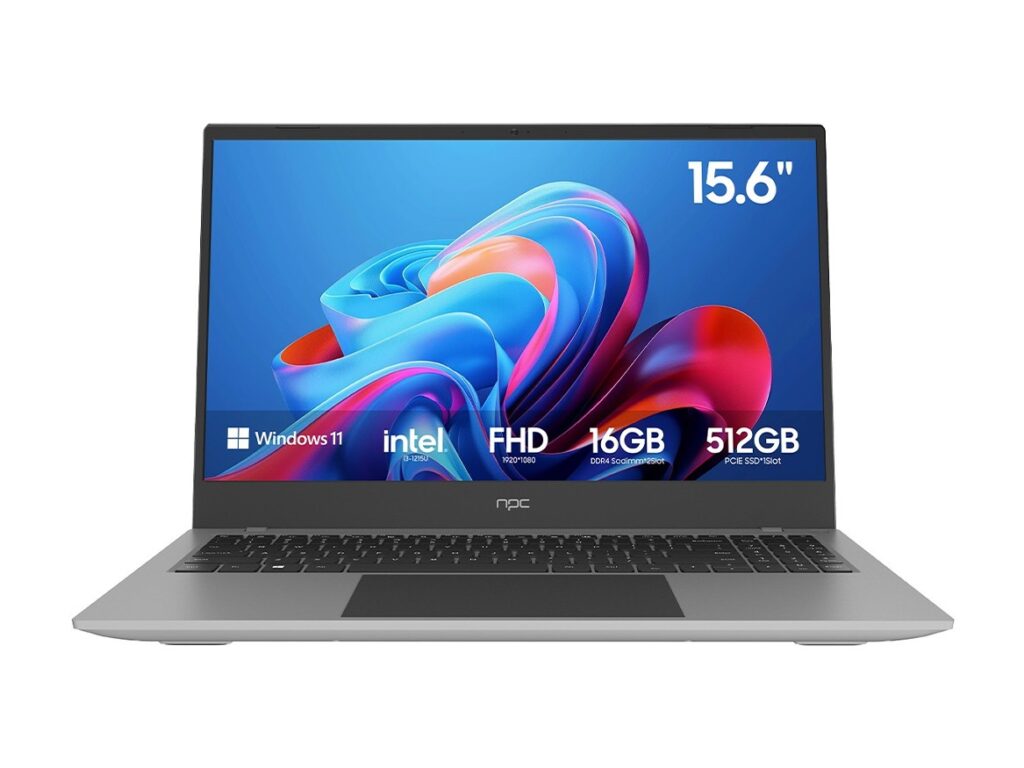
Selecting a smart TV operating system is a comparative task: you measure ecosystems, update policies, and hardware compatibility against project goals. For corporate reception screens or interactive kiosks that may pair with desktop replacements, procurement decisions often consider adjacent buys such as all in one computer deals to standardize support and mounting. This piece compares principal OS options and supplies a concise decision path for technical managers and procurement officers.
Core variables to compare
Focus on four measurable variables: application ecosystem (native apps and web runtime), lifecycle updates (security and feature patches), remote management (OTA provisioning and MDM compatibility), and multimedia support (codecs, DRM, and hardware acceleration). Android TV/Google TV excels at app breadth and developer tools. Tizen offers tight OEM integration with robust performance on Samsung hardware. webOS provides a streamlined UI and predictable update cadence on LG sets. Proprietary or Linux-based platforms yield deep customization but demand a larger integration budget. Evaluate each OS explicitly against your project’s required APIs, supported containers, and update SLAs.
Security and maintenance comparisons
Security posture varies by vendor. Verify whether the vendor issues monthly security patches, the length of guaranteed firmware support (typical commercial terms range from three to seven years), and whether the device supports secure boot and measured firmware updates. Android-based systems benefit from Google Play Protect and widespread security tooling. Platform-specific systems sometimes push updates only through the OEM, creating a single-point-of-failure risk. Require audit logs, signed update streams, and a rollback plan in the specification.
Integration with enterprise systems
Integration demands concrete interfaces. Confirm availability of REST APIs, WebSocket control channels, SNMP (if used), and VNC/remote-desktop support if content originates from central servers. For signage and meeting-room workflows, ensure the OS supports custom launcher modes, kiosk lockdown, and scheduled content playback without the need for full user sessions. Provide sample API calls in the tender documents to reduce ambiguity and to allow vendors to demonstrate compliance quickly.
Hardware pairings and performance expectations
Match OS expectations to SoC capabilities. Specify minimum CPU cores, GPU class, and decode acceleration for HEVC/H.264/H.265 and AV1 if future-proofing is required. Define acceptable boot time, measured in seconds, and steady-state thermal limits for 24/7 operation. When projects pair displays with compact workstations, consider standardized form factors; this often leads to efficiencies when teams source displays and adjacent computing equipment from the same supplier.
Common pitfalls and how comparative insight prevents them
Vendors promise broad app compatibility but deliver limited OEM-certified apps. Some projects assume device management features are free; they are often premium. Another frequent error is neglecting regional language and subtitle support, which causes late-stage rework. Use test scripts that validate playback of target media files, app installation via vendor channels, and remote provisioning before purchase commitments. Require field trial units as part of any proof-of-concept.
Experience, authority, and a real-world anchor
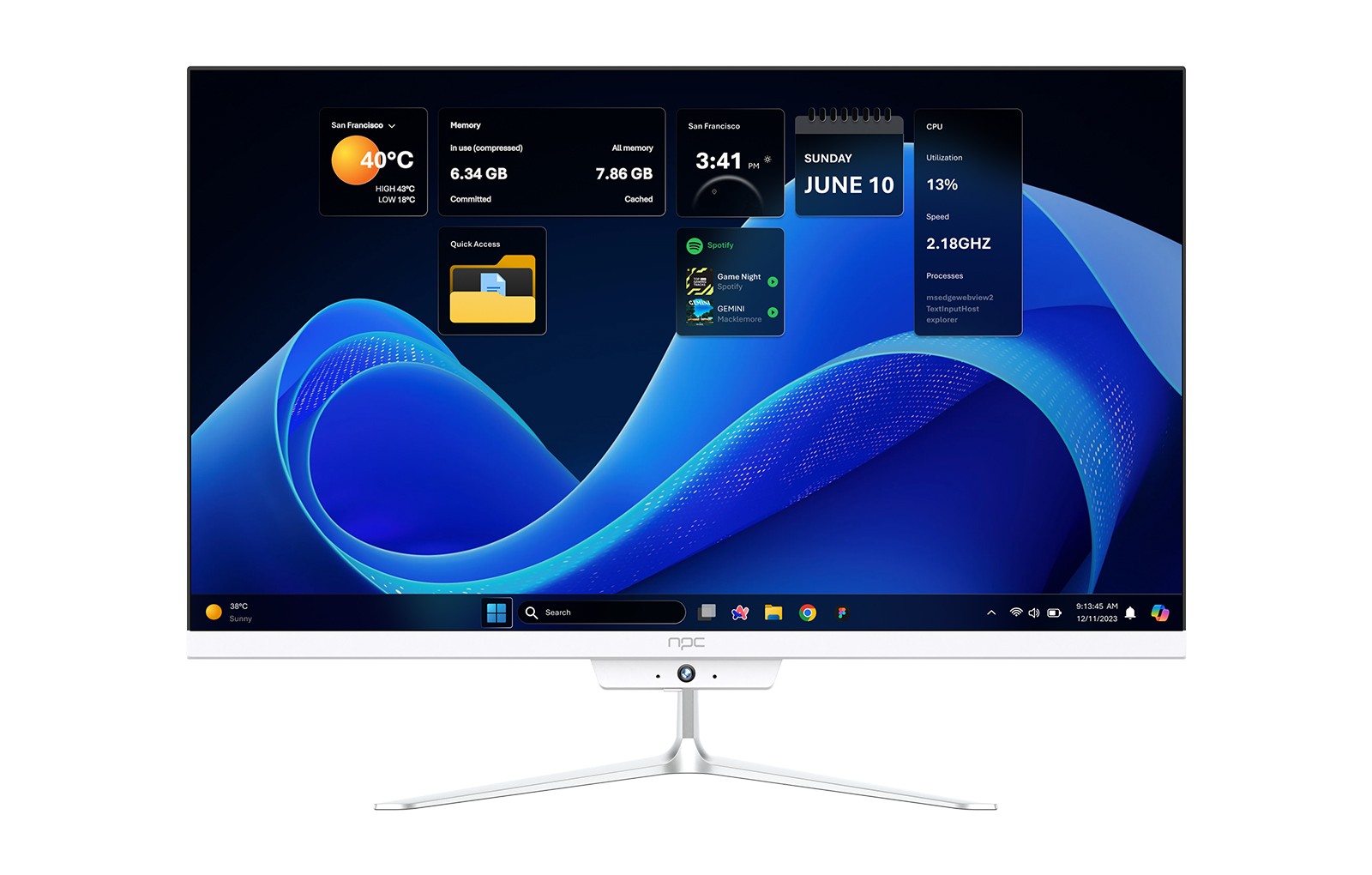
I have led specification reviews for display deployments across the Gulf and observed vendor roadmaps first-hand at industry exhibitions. At GITEX Global in Dubai, several manufacturers showcased commercial displays alongside enterprise workstations, illustrating how procurement often bundles displays with an all in one business pc to simplify installation and maintenance. That event offered clear examples of vendor update policies and remote-management features for commercial displays.
Decision framework: a comparative checklist
Construct a simple weighted matrix: list candidate OS names across the top and the variables (app ecosystem, updates, security features, remote management, codec support, cost of ownership, regional language support) down the side. Assign weights by project priority and score each candidate against objective tests. Require vendors to submit one test device for hands-on evaluation and documentation of their update SLA and rollback mechanism. Include acceptance criteria tied to measurable targets: boot time ≤ 30 s, OTA success rate ≥ 99.5% over a 30-day trial, and signed firmware images.
Final synthesis
Comparative assessment yields clarity: choose the OS that scores highest against the variables you weight most heavily, insist on tested proof units, and mandate explicit maintenance terms. For projects where hardware and display ecosystems benefit from unified sourcing, aligning the display OS choice with compatible desktop or workstation hardware reduces field complexity; such alignment is where experienced suppliers like npc bring practical value without added procurement risk.